Fleet Workspace
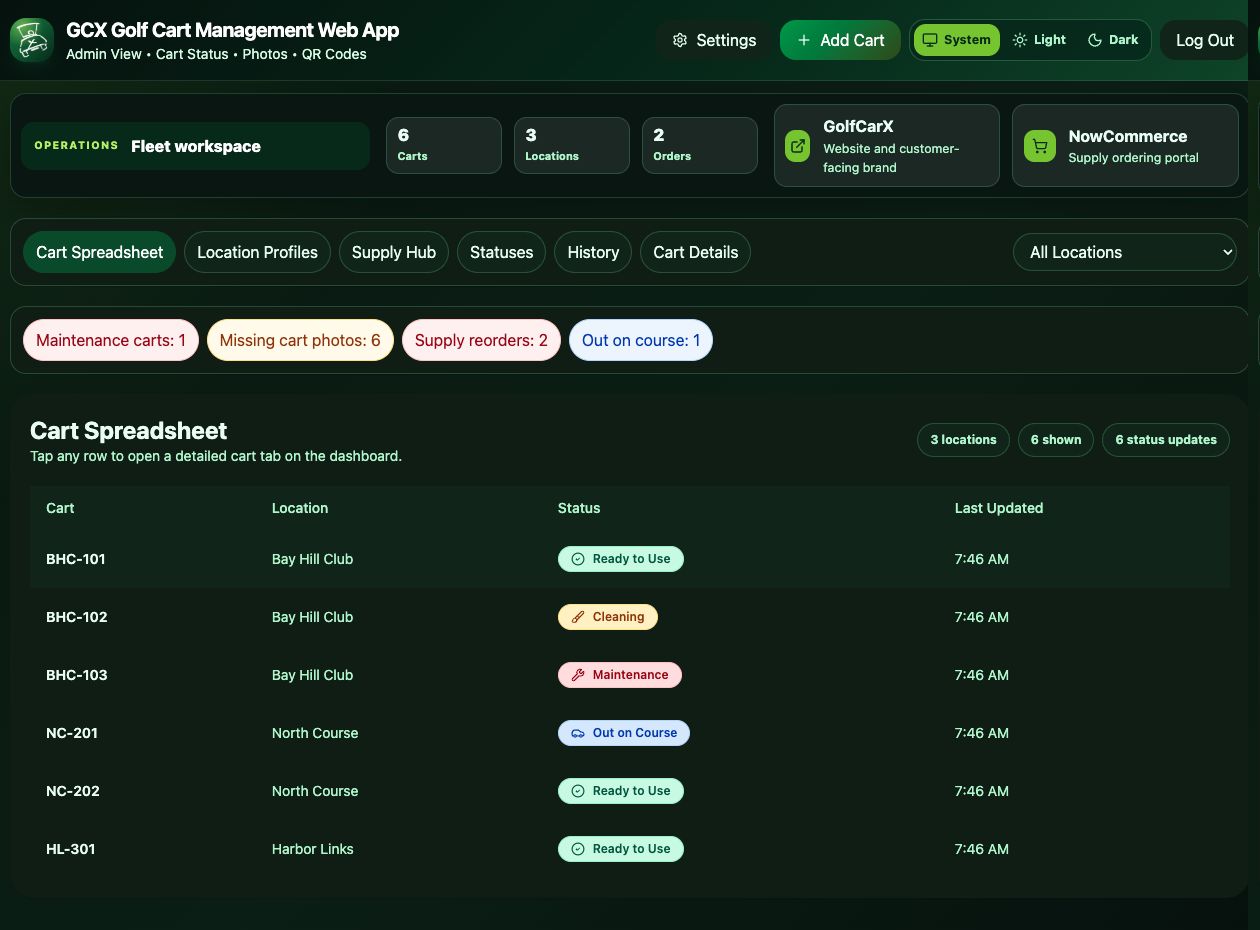
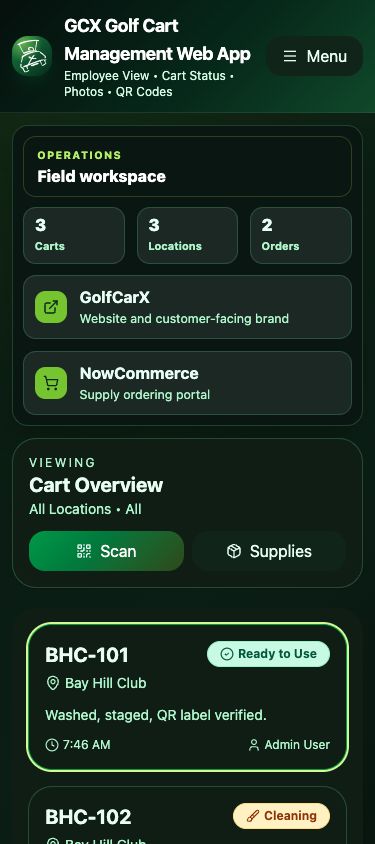
Admins can review cart status, locations, reorder counts, quick links, alerts, filters, and a spreadsheet-style cart view.
One calm, connected workspace for cart status, field updates, photos, employee activity, and supplies across every course you service.
GCX is moving from concept into a focused web app for teams that need practical cart records, QR-based updates, location profiles, product usage, and reorder visibility without scattered texts or paper notes.
Admins can review cart status, locations, reorder counts, quick links, alerts, filters, and a spreadsheet-style cart view.
Each cart can hold notes, photos, status moves, maintenance history, and a QR label for fast field access.
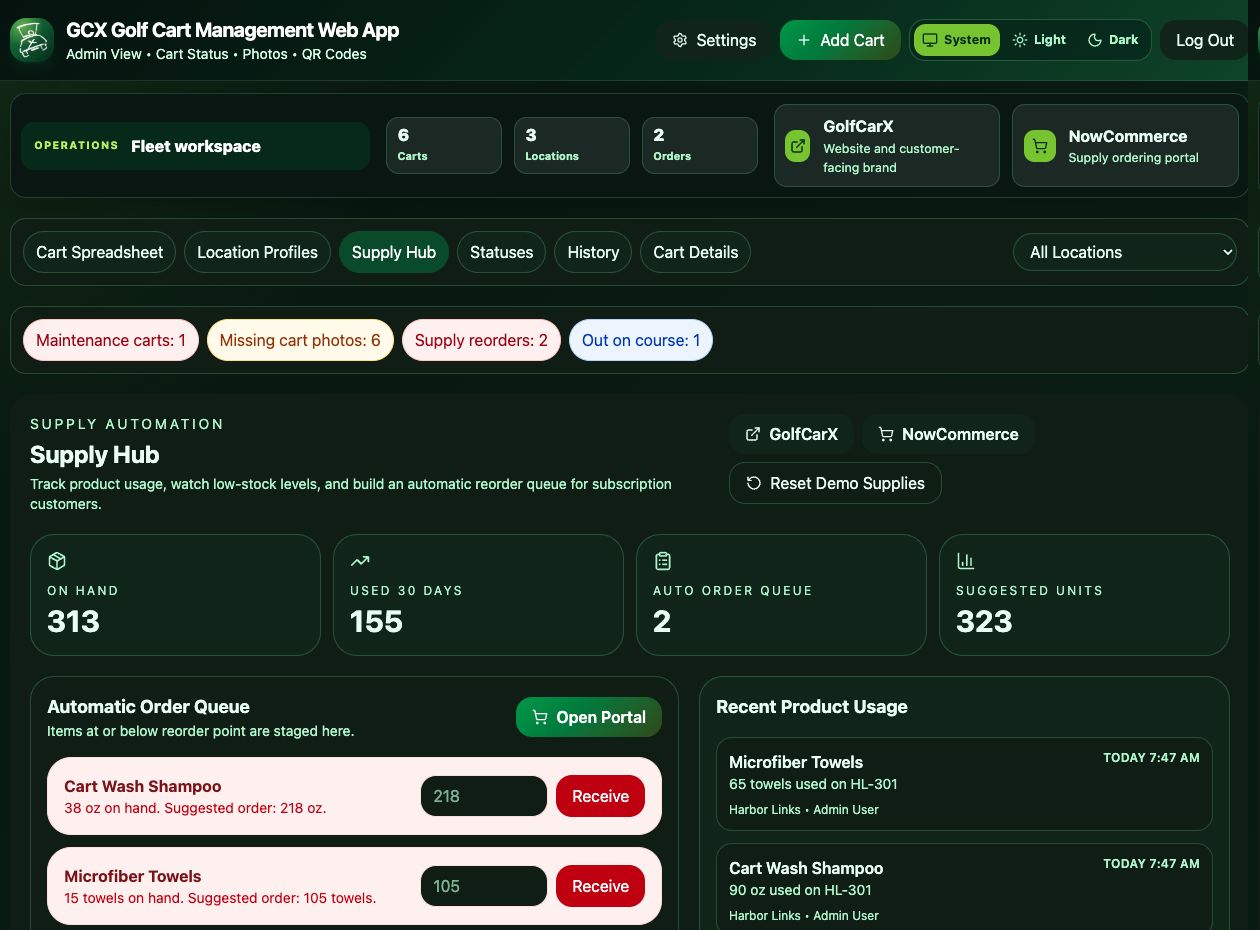
The Supply Hub connects on-hand inventory, product usage, reorder points, suggested units, and ordering access.
Admins add locations, employee records, cart records, settings, and starting inventory.
The Cart Spreadsheet shows cart number, location, status, and last update across the fleet.
Teams move status, add notes, attach photos, download QR labels, and review maintenance history.
Employees log product usage while admins monitor reorder points and suggested order units.
Employees can use SOP videos as field references, then use the app's Scan and Supplies actions to update the cart, attach photos, and record products used.
Open Video LibraryUse cart count as a starting point for subscription, onboarding, QR label, and supply planning. A demo can refine this by locations, employees, and reporting needs.

Log usage in the Product Usage panel.

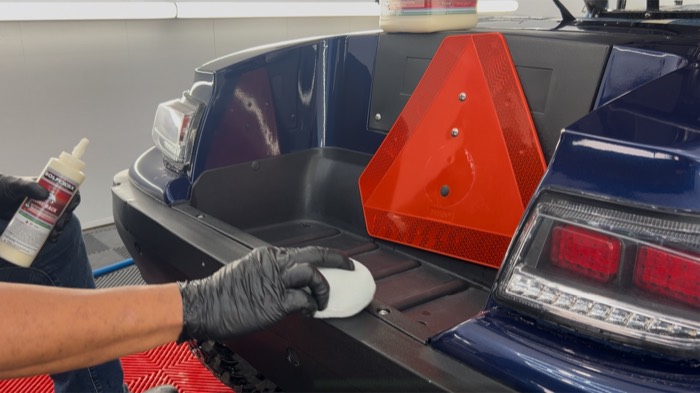
Connect protection work to cart updates.

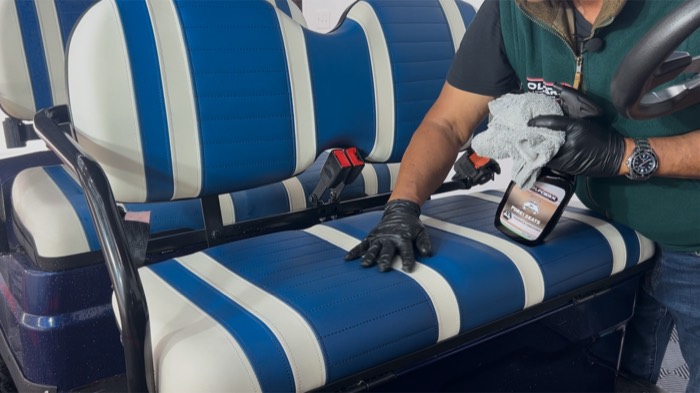
Record interior care from the field.

Track usage against supply levels.
The Supply Hub shows on-hand inventory, 30-day usage, reorder counts, suggested units, recent product usage, and the NowCommerce ordering link.
Share your locations, cart count, employee workflow, and supply process. GCX will show how the Fleet Workspace, Cart Spreadsheet, Cart Details, employee mobile view, QR codes, and Supply Hub can support your team.